

4 Things You Should Never Do When Your Smartphone Gets Wet
Accidentally dropping a smartphone into water can be a stressful experience, especially when the device is expensive or contains important personal data. Although many modern smartphones come with water-resistance features, they are not completely waterproof. A small mistake while trying to dry a wet phone can also cause more damage than the liquid itself.
Whether your phone gets splashed by rain, falls into a sink, or is accidentally submerged in water, knowing what to avoid is essential. Here are four common mistakes you should never make when your smartphone gets wet.
1. Never Connect a Wet Smartphone to a Charger
One of the biggest mistakes people make after getting their phone wet is immediately connecting it to a charger.
Moisture inside the USB charging port can create electrical connections where they should not exist. This can potentially cause a short circuit and damage the charging components or other internal hardware.
Several smartphone manufacturers, including Apple, Samsung, and Google, have built-in moisture detection systems. When liquid is detected in the charging port, compatible devices may display a warning and temporarily disable wired charging.
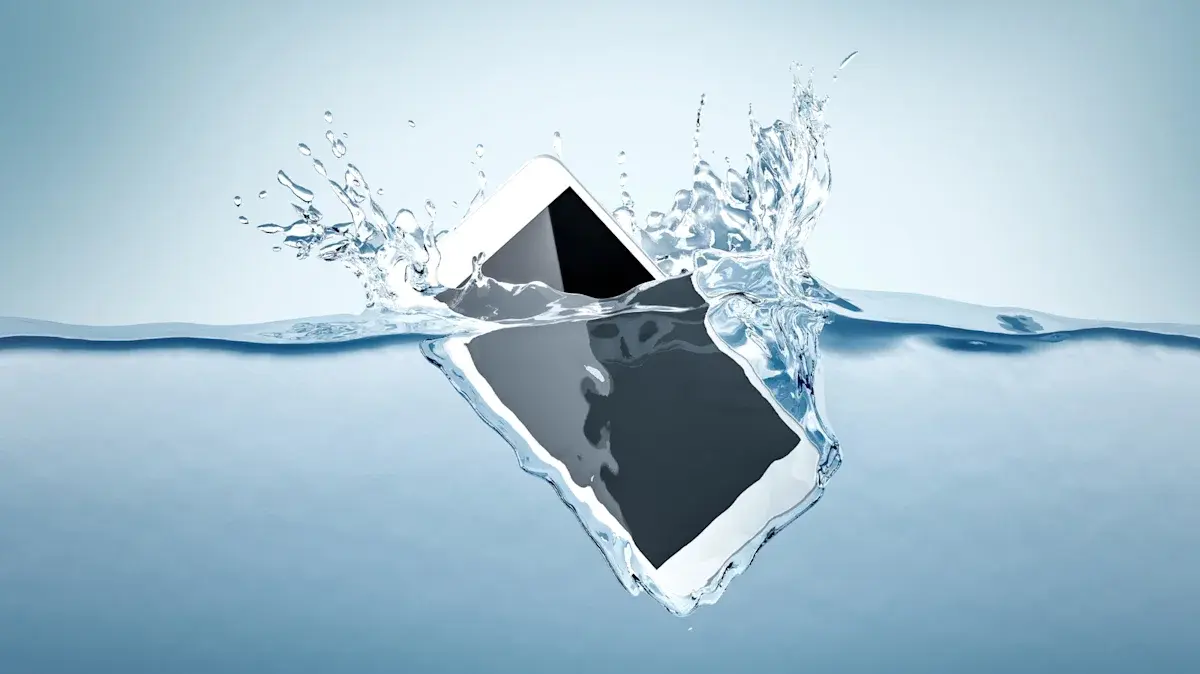
What should you do instead?
- Disconnect the charging cable immediately.
- Switch off the smartphone if you suspect liquid has entered the device.
- Keep the charging port facing downward in a dry, ventilated area.
- Wait until the manufacturer confirms it is safe to charge again.
Do not assume that a charging warning disappearing means the phone is completely dry.
2. Do Not Put Your Wet Phone Inside Rice
Putting a wet smartphone inside a container of uncooked rice is one of the most popular internet remedies. However, this method is not a reliable solution.
Rice cannot effectively remove moisture trapped deep inside a smartphone. Small rice particles and dust can also enter the charging port, speaker openings, and other exposed areas, potentially creating additional problems.
A better option is to let the device dry naturally. Silica gel packets, commonly found in product packaging, can help absorb moisture when used appropriately.
However, neither rice nor silica gel can guarantee that internal components are completely dry.
A safer approach: Remove the phone case, wipe the exterior with a soft microfiber cloth, and leave the device in a dry location with good airflow.
3. Avoid Shaking Your Smartphone Aggressively
When water enters a phone, some users instinctively shake it to remove the liquid. Although this may appear helpful, excessive shaking can make the situation worse.
Smartphones contain several sensitive components, including cameras, microphones, speakers, charging connectors, and internal circuits. Liquid that has entered through small openings may spread further when the device is shaken forcefully.
Instead of trying to force the water out, allow gravity and natural airflow to help.
Follow these steps:
- Remove the protective case.
- Disconnect accessories and cables.
- Keep the charging port facing downward.
- Gently wipe visible moisture from the exterior.
- Leave the phone in a well-ventilated place.
If the device was exposed to drinks, saltwater, or other liquids, professional cleaning may be necessary because these substances can leave deposits behind.
4. Never Use a Hair Dryer or Direct Heat
Using a hair dryer might seem like a quick way to dry a wet smartphone, but applying heat can seriously damage the device.
Modern smartphones contain lithium-ion batteries, display panels, adhesives, and delicate electronic components that can be affected by high temperatures.
Excessive heat may weaken the adhesive holding the screen and back panel together. It can also damage the battery and other internal components. In some cases, heating can cause moisture to move further into areas that were previously unaffected.
Avoid these methods:
- Hair dryers and heat guns
- Ovens and microwaves
- Direct sunlight for extended periods
- Room heaters and other high-temperature equipment
Natural airflow is a much safer option. Keep the device switched off and allow sufficient time for it to dry.
What Should You Do If Your Smartphone Falls Into Water?
If your smartphone accidentally gets submerged, taking the right steps immediately can reduce the risk of permanent damage.
Here are some useful precautions:
- Remove the phone from the liquid as quickly as possible.
- Disconnect the charger and any connected accessories.
- Turn off the device if it is still powered on and safe to do so.
- Remove the case and detachable accessories.
- Gently dry the exterior using a clean microfiber cloth.
- Keep the charging port facing downward in a dry area with good airflow.
- Contact an authorized repair centre if the phone was submerged or shows signs of malfunction.
Avoid charging or repeatedly switching on the device to check whether it works.
Are Water-Resistant Smartphones Completely Waterproof?
No. Water resistance does not mean a smartphone can survive every type of liquid exposure.
Many popular devices carry an IP67 or IP68 rating under the IEC 60529 standard. These ratings indicate that a device has been tested under specific dust and water exposure conditions.
However, actual protection depends on the model, testing conditions, and the condition of the phone. Water resistance can also weaken over time because of normal wear, accidental drops, and damage to seals.
Saltwater, swimming pool water, soap, and sugary drinks can present additional risks because they may cause corrosion or leave residue.
Users should always check their smartphone manufacturer's official water-resistance guidelines rather than assuming every device offers the same protection.
Final Thoughts
A wet smartphone does not necessarily mean you need to replace it. However, the way you handle the situation immediately after liquid exposure can make a significant difference.
Avoid charging the device, putting it in rice, shaking it aggressively, or applying direct heat. Instead, switch it off, dry its exterior carefully, and allow it to air-dry. If water has entered the internal components, professional inspection is the safest option.
Taking these simple precautions can help prevent unnecessary damage and protect your smartphone from an expensive repair.

Leave a comment
Your email address will not be published. Required fields are marked *